Introduction
Brief introduction to Sundhedsvideo.
This introduction is available as a video and as a written article.
[INSERT VIDEO]
Sundhedsvideo is developed to safely and securely share data and files between patients and hospitals within different clinical areas.
And in this case, it is about the area of GMA and mainly sharing videos.
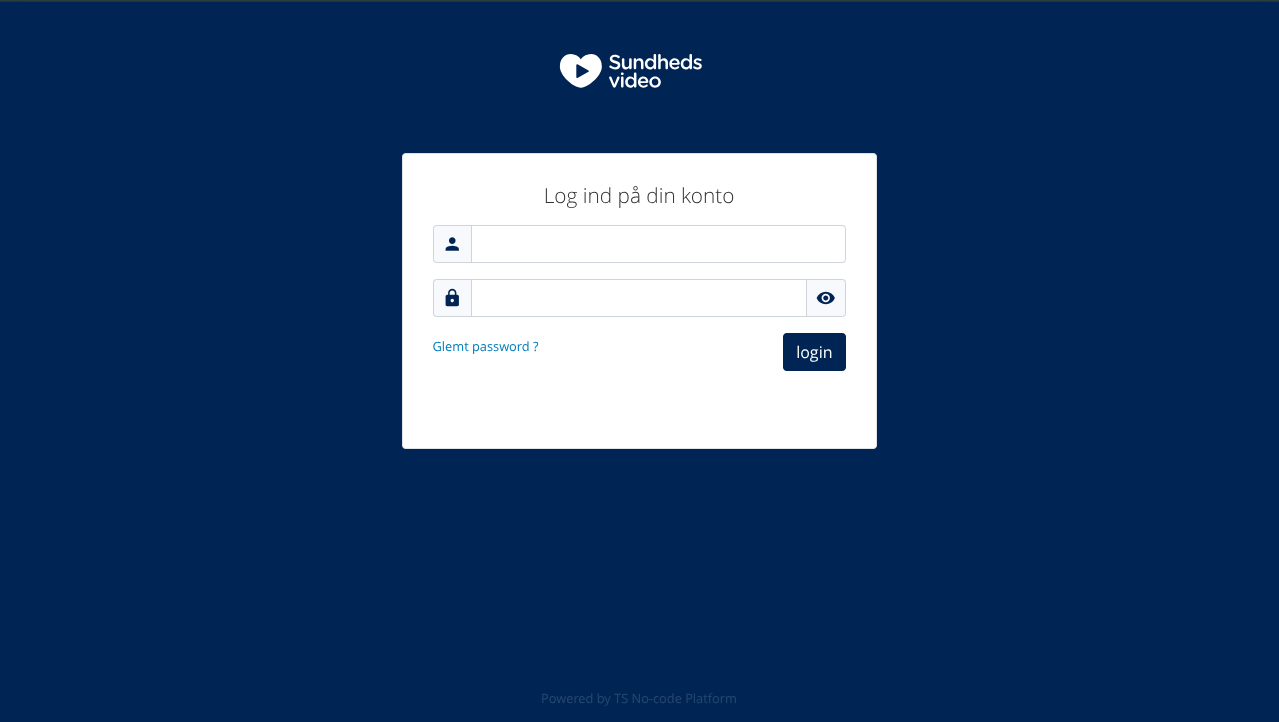
To start with, you need to log in, here we see the Sundhedsvideo login page. It is possible to ask your browser to save your login information, so yout can basically just press login.
Once signed in you will be redirected to the main dashboard, from where you will be able to complete all the tasks the system helps you execute.
The dashboard consists of four lists and four buttons.
The four buttons at the top, from left to right, do the following:
- Redirect you to a page with the videos also found in these articles
- Redirect you to your list of finalized GMA courses
- Redirect you to you list of open/active GMA courses
- Allows you to create a new GMA course
The four lists, from top left to bottom right, show the following:
- New recordings submitted by parents, that you havn't reviewed yet
- Invites from your colleagues to review a video they received
- Responses from colleagues you invited to review a video you received
- GMA courses that are ready for the final assessment
Above all four lists you see a button with an icon. If you click this button you'll be redirected to the full list of items, behind the list. The list only show a limited number of records.
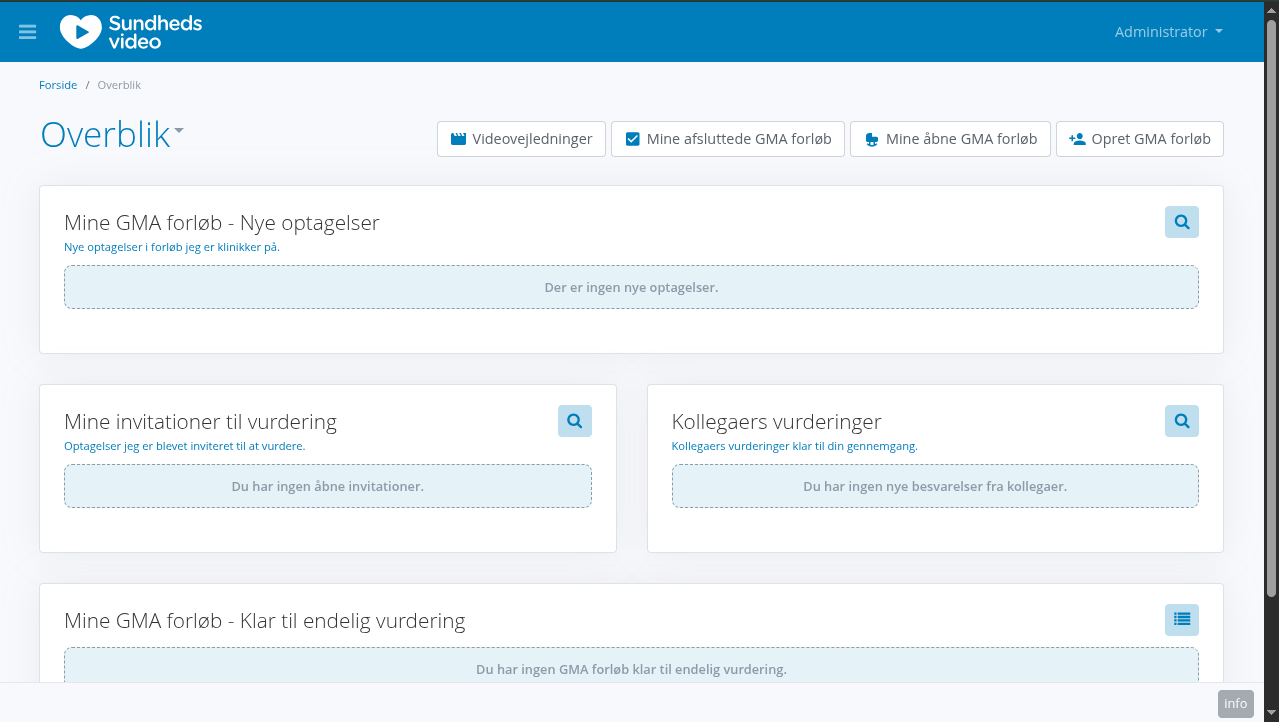
If you wish to sign out of the system, you'll find the button in your personal menu, be clicking your username in the top-right corner, and selecting "log out".