Invite a colleague
How to invite a colleague to review and give a rating for a recording.
This introduction is available as a video and as a written article.
[INSERT VIDEO]
If you feel uncertain about part of your assessment or just want a second opinion, you can invite a colleague to assess the recording too.
To do this, when you have the recording open, click the "invite colleague to assess".
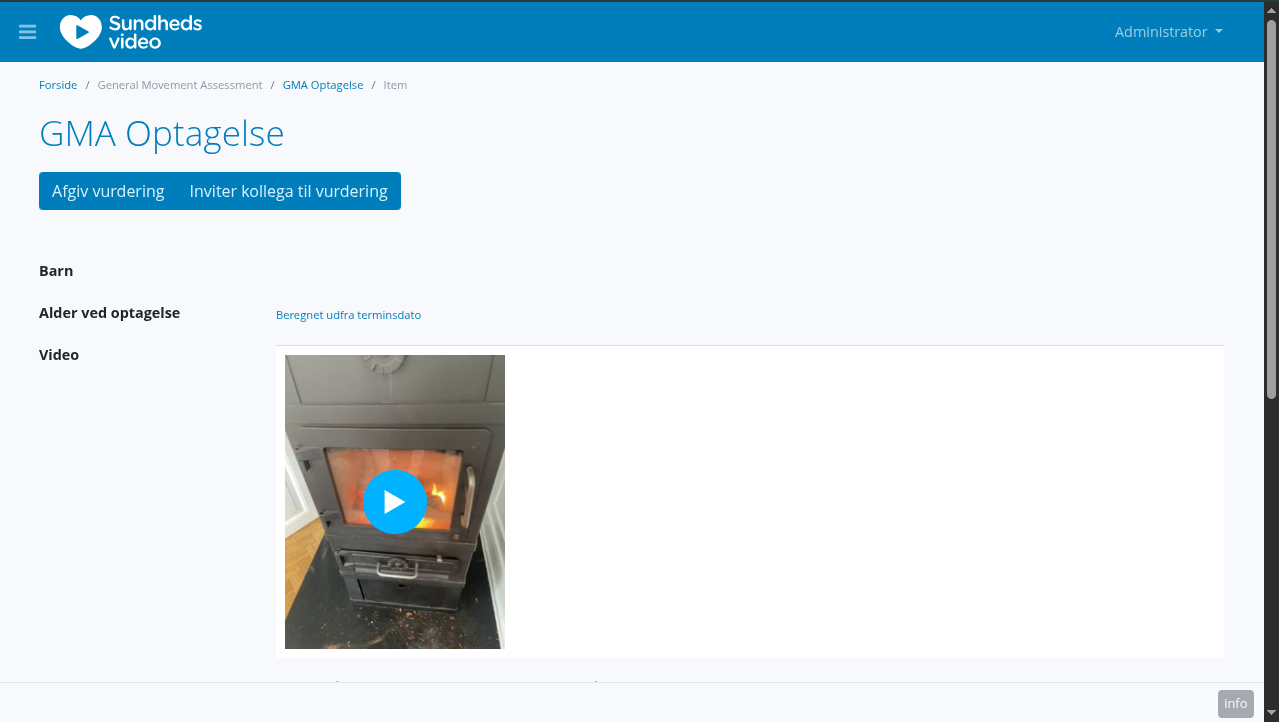
Clicking that button opens a new tab, where you can select the other clinician, that you would like an assessment from.
Clicking "invite" creates the invitation, sending them an email, and displaying it on their dashboard.
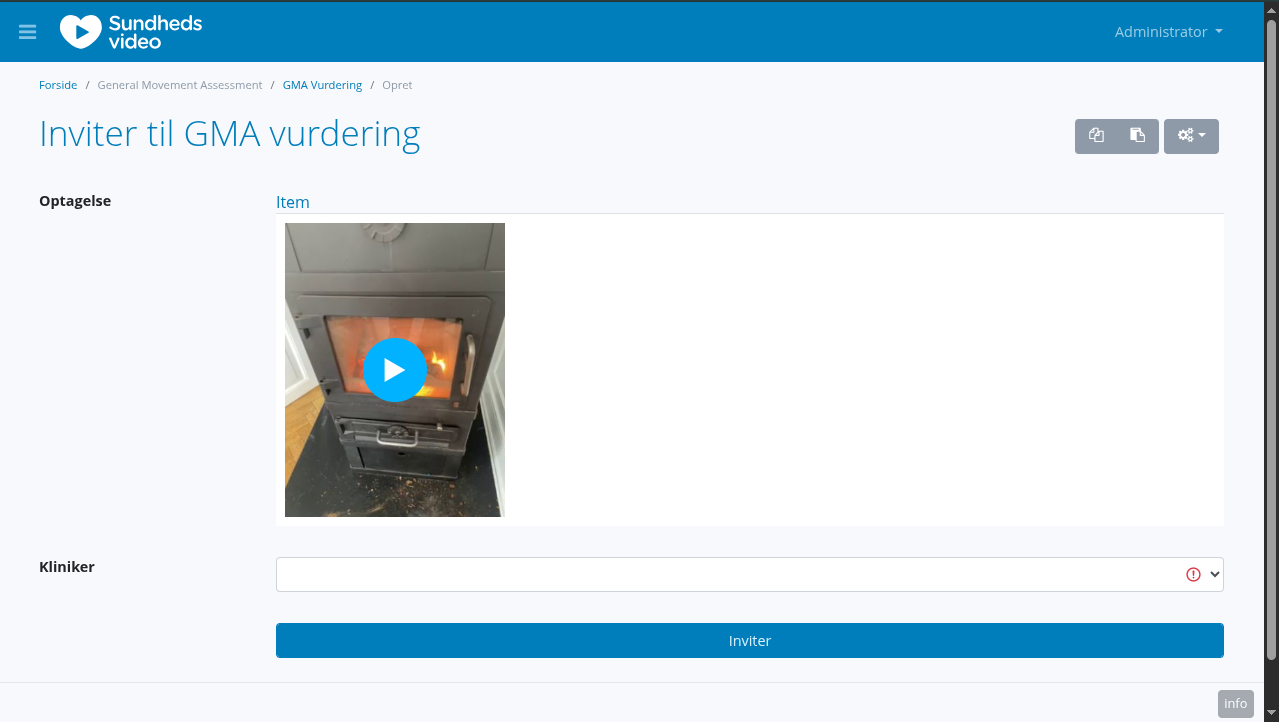
They have seven days to respond, otherwise the invite will expire.
Once they have responded, their response will show up on your dashboard for you to review. More on that on a later page.