Respond to an invitation
How to respond to an invitation for assessment.
This introduction is available as a video and as a written article.
[INSERT VIDEO]
Other clinicians can invite you to give a second opinion on a recording.
When thay do that you will receive an email, and it will show up on your dashboard.
You have seven days to respond, before the invite expires.
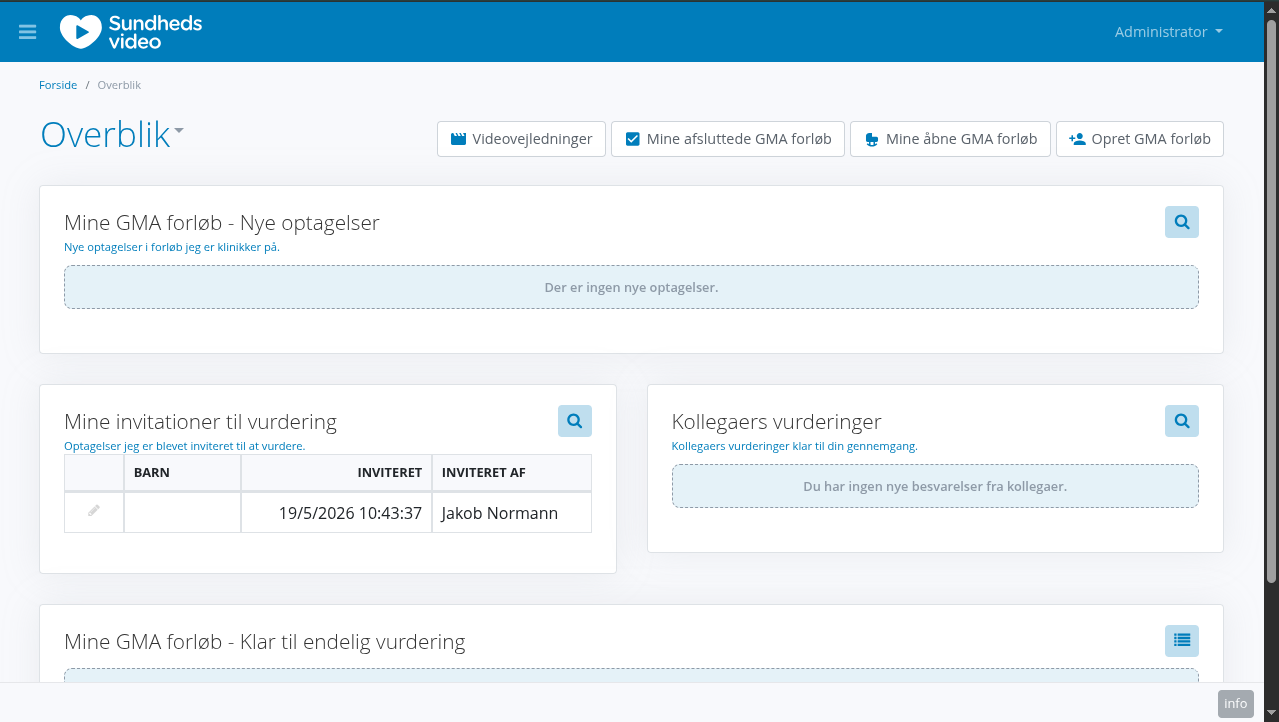
Clicking the link in the email or the record on the dashboard redirects you to the following view.
It's the same view as when you do assessments on your own courses, but you won't be able to see the childs name.
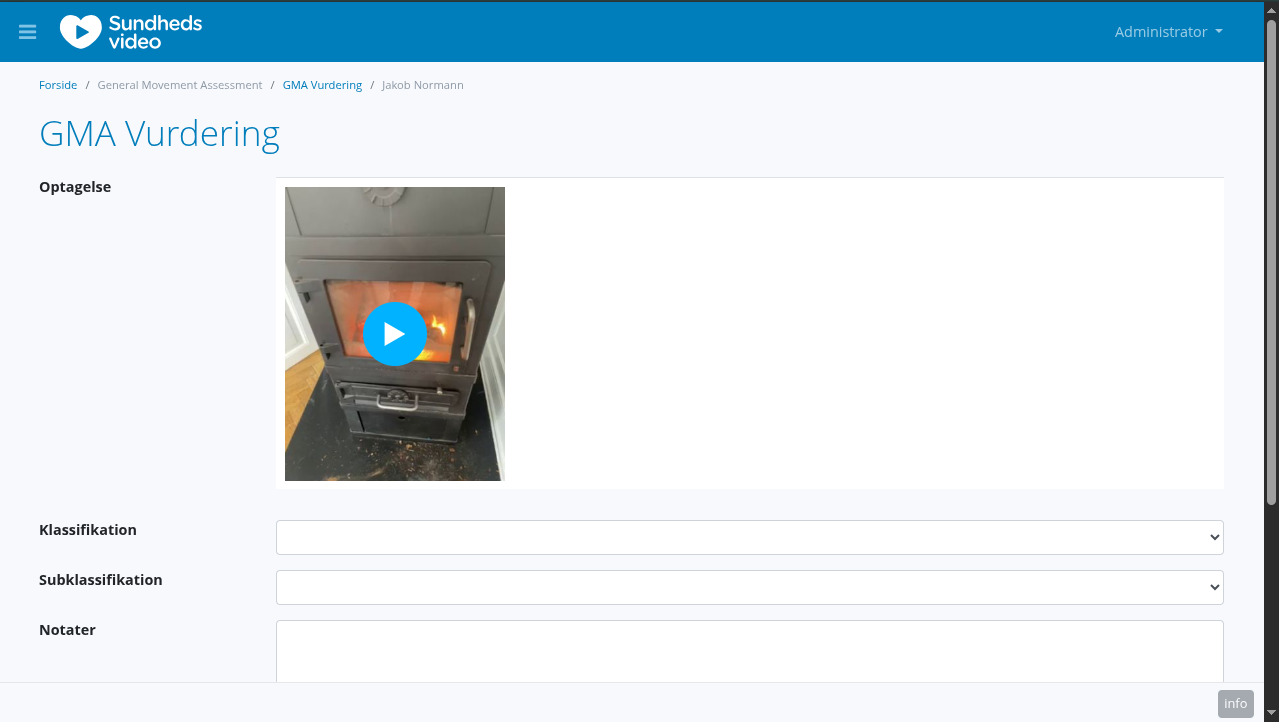
Once you have made your assessment, click save, and the assessment will show up for review by the original clinician.