
2. Media
User defined media (images or video), is defined in the entity "Media Files".

A media file is composed of 4 attributes.
The name
Just the name shown in the dropdown, when selecting a component type for a page component.
The type
Is it an image or a video.
The content
An image or a video, based on the type selected.
An alt-text
The alt-text added to the HTML, that will be shown if the media fails to load, and will be used by screen readers.
A media file also has 2 system attributes.
The public path
A path to where this file is publicly available.
The alt public path
Only used for videos. A path where a thumbnail for this video is publicly available.
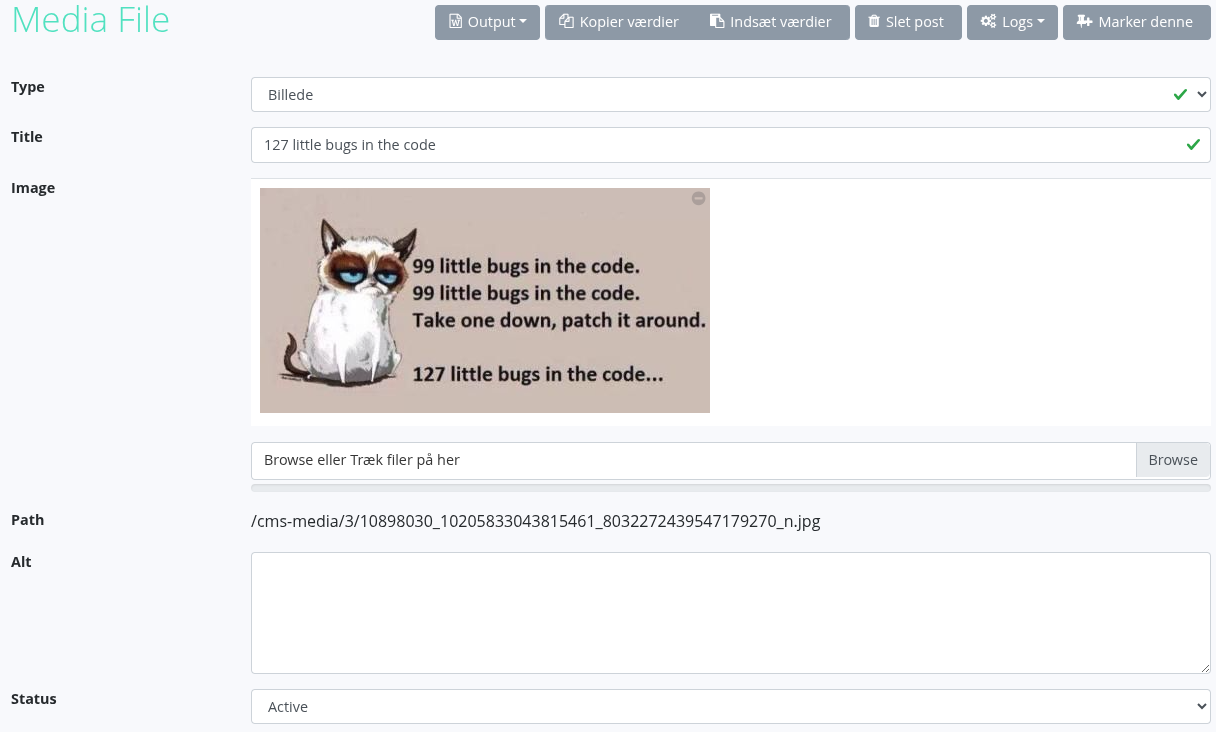
Every time a media file is saved, the file is written to disk, and the public path is updated.
If the media is a video, then the video is also re-encoded into the defined resolutions and bitrates. This takes a while and therefore the site will be loading for a little while. A thumbnail is also generated, and that path is saved in the field "Alt Path".